
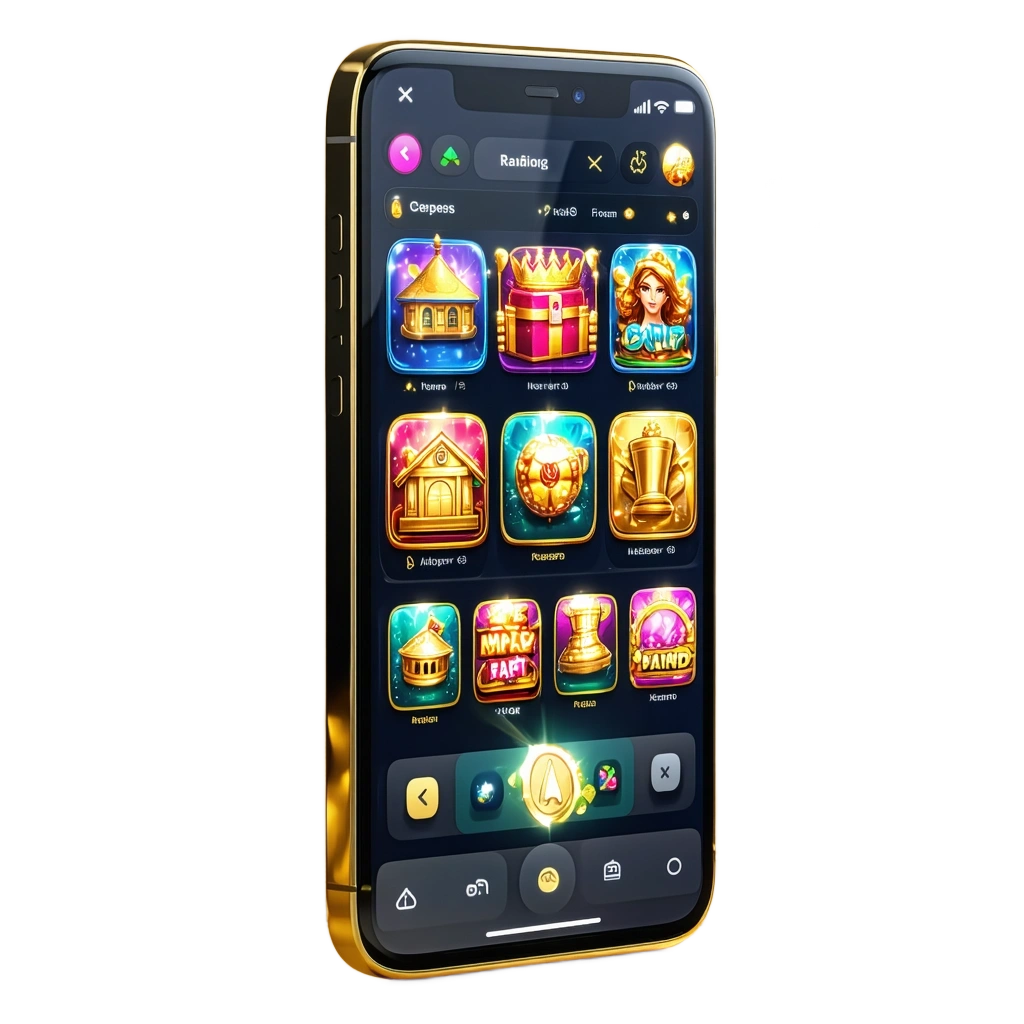
Royalgame App for Android & iOS Devices Latest Version

The Royalgame native app is in development. There is no APK or App Store app yet. You can install the Royalgame PWA and use it like an app on your phone.

Download the Royalgame PWA and claim: Casino Welcome Package up to 3,000 EUR + 200 FS + 1 Bonus Crab; Sports First Deposit Bonus 100% up to €100. Start in minutes and keep full access on any device.

Welcome Bonus

€3,000 + 200 FS + 1 Bonus Crab

Royalgame PWA for Android & iOS in Ireland; install like an app. Casino bonus up to €3,000 + 200 FS; Sports 100% up to €100.
App type Progressive Web App (PWA), no APK needed
App size No APK download; home-screen icon only (storage footprint under 5 MB)
Last update Auto-updated from server; no action needed
Casino bonus Up to 3,000 EUR + 200 FS + 1 Bonus Crab (tiers apply)
Sports bonus 100% First Deposit Bonus up to €100
Supported languages English
Account currency EUR
Payment methods Mastercard, NeoSurf, Paysafecard, Skrill, Skrill 1-tap, Neteller, Cash2Code, Jeton, Sticpay, MiFinity, webpay, Crypto, Pix
Promo code Not required for welcome offers
KYC Photo ID and address verification required before withdrawals
Live betting Available on major sports
Live casino Available from leading studios
Licensing Check the site footer for current licensing and availability

Royalgame App Interface

The Royalgame interface uses clear tabs for Sports, In-Play, Casino, and Live Casino. You get a persistent betslip, quick filters, search, and fast links to deposit and withdrawals. Navigation stays simple so you can bet or play in a few taps.

Download Royalgame App for Android (PWA)

Installation takes under a minute on Android. No APK is needed; the PWA adds to your home screen.

1

Click the Download for Android Button

  • Open Royalgame in Chrome on your Android device and tap “Download for Android”.
  • Confirm the Add to Home screen prompt if shown, then add the icon to your home screen.
  • Launch Royalgame from the icon any time for full app-like access.
2

Register an Account

  • Tap Join and enter email, mobile number, and a strong password.
  • Choose EUR, confirm age 18+, and accept the T&Cs.
  • Opt in to the casino or sports welcome offer if you plan to claim it.
3

Use the Web Version of the Website

  • Open the Royalgame icon and sign in.
  • Explore Sports, In-Play, and Casino, then fund your account to start.
  • Place bets, play games, and cash out directly in the PWA.

System Requirements for Using Android App

Requirement Minimum
OS version Android 7.0 Nougat
CPU frequency 1.5 GHz or higher
Memory (RAM) 2 GB or more

Meeting these specs supports smooth loading and quick bet placement.

Supported Android Devices

  • Samsung Galaxy S25 / S25+ / S25 Ultra
  • Google Pixel 11 / Pixel 11 Pro / Pixel Fold 2
  • OnePlus 14 / 14 Pro / Nord 7
  • Xiaomi 15 / 15 Pro / 15 Ultra / Redmi Note 16 / 16 Pro
  • Huawei P70 Pro / Mate 70 Pro / Nova 14
  • Sony Xperia 1 VII / Xperia 10 VII
  • Motorola Moto G104 / Moto G114
  • Realme GT Neo 8 / GT Neo 8 Pro / Realme 12 Pro+

If your device is similar or newer, the PWA runs well.

Download Royalgame App for iOS (PWA)

Installation on iPhone or iPad takes under a minute. No App Store download is needed.

Adding the PWA gives you faster access than typing the URL each time.

1

Click the Download for iOS Button

  • Open Royalgame in Safari and tap “Download for iOS”.
  • A brief prompt explains how to add it to your home screen.
2

Register an Account

  • Tap Join, enter your details, select EUR, and confirm you are 18+.
  • Accept T&Cs and choose a welcome offer if you plan to claim it.
3

Tap Share Button

  • In Safari, tap the Share icon on the toolbar.
  • Scroll and find “Add to Home Screen”.
4

Tap Add to Home Screen

  • Confirm the name Royalgame and tap Add.
  • Launch the icon for full-screen app-style access.

System Requirements for Using iOS App

Requirement Minimum
iOS version iOS 12 or later
Processor Apple A10 Fusion or newer (≈1.4 GHz or better)
Memory (RAM) 2 GB or more

These specs cover most active iPhone and iPad models used.

Supported iOS Devices

  • iPhone 12 / 12 Pro / 12 Mini
  • iPhone 13 / 13 Pro / 13 Mini
  • iPhone 14 / 14 Plus / 14 Pro / 14 Pro Max
  • iPhone 15 / 15 Plus / 15 Pro / 15 Pro Max
  • iPhone 16 / 16 Pro / 16 Pro Max
  • iPhone 17 / 17 Pro / 17 Pro Max
  • iPhone SE (2022 / 2024)
  • iPad 9th / 10th / 11th Gen
  • iPad Air (4th / 5th / 6th Gen)
  • iPad Pro 11″ & 12.9″ (2024–2026 models)
  • iPad Mini (6th / 7th Gen)

These models provide smooth performance for betting and casino play.

Welcome Bonuses after Installing the Royalgame App

  • Casino: Welcome Package up to 3,000 EUR + 200 Free Spins + 1 Bonus Crab.
  • Sports: First Deposit Bonus 100% up to €100.
  • Free Spins: 200 FS as part of the casino package (game and release rules apply).

Bonus terms, wagering, and game weighting apply; check T&Cs before opting in.

Sports Betting Options Available in Royalgame App

You can bet pre-match and in-play on major global sports. Markets update fast on mobile.

  • Football
  • Gaelic Football
  • Hurling
  • Rugby Union
  • Horse Racing
  • Tennis
  • Golf
  • Basketball
  • MMA/Boxing
  • Esports (selected titles)

A broad line-up helps you find your preferred markets quickly.

Types of Bets Available at Royalgame’s App

  • Single: One selection; your return depends on that result.
  • Accumulator: 4+ selections combined; all must win for a payout.
  • Treble: 3 selections rolled into one bet; all three must win.
  • System (e.g., Trixie/Yankee): Multiple combos from several picks; not all must win.
  • In-Play: Bets placed after kick-off as odds move live.

A mix of bet types lets you match your risk and strategy.

How to Start Betting via Royalgame App

Getting your first bet on takes only a few steps.

These steps keep you focused on odds, not on navigation.

1

Open the Royalgame icon, sign in, and go to Sports or In-Play.

2

Pick a competition, then a market (e.g., Match Result or Over/Under).

3

Tap odds to add them to the betslip.

4

Enter your stake in EUR and check potential returns.

5

Confirm the bet; track it in the My Bets section.

Casino Games Available in App

Royalgame offers popular slots, table games, and live tables optimised for mobile. You get quick loading and portrait play.

  • Slots: Book of Dead (Play’n GO), Big Bass Bonanza (Pragmatic Play), Sweet Bonanza
  • Megaways Slots: Bonanza Megaways, Extra Chilli
  • Roulette: European Roulette, Lightning Roulette (live)
  • Blackjack: Classic Blackjack, Infinite Blackjack (live)
  • Baccarat: No Commission Baccarat, Speed Baccarat (live)
  • Game Shows: Crazy Time, Monopoly Live
  • Jackpot Slots: Major millions and daily drops
  • Instant Win: Scratch cards and crash-style games

A strong mix gives you plenty of choice at any bankroll.

How to Register an Account via Royalgame Mobile App

Create your account directly in the PWA.

After verification, deposits and withdrawals run faster.

1

Tap Join on the home screen.

2

Enter email, mobile number, password, and full name.

3

Select EUR, confirm you are 18+, and accept T&Cs.

4

Choose your welcome offer preference (casino or sports).

5

Verify your email or SMS code.

6

Complete KYC in My Account by uploading photo ID and proof of address.

How to Login via Mobile App

Access to your account takes a few seconds.

Staying signed in on your device shortens time-to-bet.

1

Tap Log In on the Royalgame icon screen.

2

Enter your email and password.

3

Complete 2FA if you have it enabled.

4

Tap Log In to open your account dashboard.

How to Update the Royalgame App to the Latest Version

There is nothing to update on your side. The Royalgame PWA pulls the newest features, odds feeds, and game catalogue from the server. Refresh the page or relaunch the icon to load any recent changes. You always use the latest version by default.

Payment Methods for Mobile App Users of Royalgame

Deposits usually credit instantly; withdrawals require account verification. Minimum deposit is €10 and minimum withdrawal is €20; maximum withdrawal per transaction is commonly up to €5,000, subject to method and account limits.

  • Mastercard
  • NeoSurf
  • Paysafecard
  • Skrill
  • Skrill 1-tap
  • Neteller
  • Cash2Code
  • Jeton
  • Sticpay
  • MiFinity
  • webpay
  • Crypto
  • Pix

Choose the method that matches your speed and documentation needs.

How to Make a Deposit via Mobile App

Funding your account takes under a minute in most cases.

A quick top-up helps you catch price moves in live markets.

1

Sign in and tap Cashier or Deposit.

2

Choose a payment method and enter the amount in EUR (min €10).

3

Provide any required details (e.g., card 3D Secure or wallet login).

4

Confirm the payment; funds should appear immediately for most methods.

How to Withdraw your Winnings on Mobile

Payouts are processed after KYC approval. E-wallets tend to settle fastest.

Submitting clear documents in advance shortens withdrawal time.

1

Open Cashier and select Withdraw.

2

Pick the method that matches your deposit route when possible.

3

Enter the amount (min €20) and confirm.

4

Monitor status in Transaction History and complete any extra checks if asked.

Key Features of Royalgame Mobile App

You get a fast, low-storage PWA built for betting and casino play on the go. Core features focus on speed, choice, and trusted payments.

  • PWA install for Android and iOS; no APK or App Store download
  • EUR account support
  • Local-friendly payments: cards, e-wallets, vouchers, and crypto
  • Generous welcome offers for casino and sports
  • Broad sportsbook, including GAA and horse racing
  • Live betting with rapid odds updates
  • Large casino catalogue from top providers like Pragmatic Play and Play’n GO
  • Live Casino tables and game shows
  • Responsible gambling tools: limits, time-outs, and self-exclusion
  • Auto-updates; no manual patches needed
  • Low data usage and quick loading on mobile networks

These advantages let you go from install to play in minutes.

Customer Support

Help is available directly in the PWA and on desktop.

  • Live Chat: Access from the help icon for real-time assistance.
  • Email Support: Submit a ticket for account, payments, or verification queries.
  • Help Centre/FAQ: Step-by-step guides for payments, bonuses, and limits.
  • Social/Status Updates: Check official channels for maintenance notices.

Use Live Chat for urgent issues and email for documents or detailed cases.

FAQ

Clear answers help you focus on betting and gaming, not admin.

Is Royalgame legal?

Online betting and gaming are legal for adults aged 18+. Royalgame accepts players, but availability can change. Check the site footer for licensing details and play only if you meet local requirements.

Is there an Android APK or iOS app?

No native app is released yet. Use the Royalgame Progressive Web App (PWA) on Android and iOS; it installs to your home screen and auto-updates.

How fast are deposits and withdrawals?

Deposits are instant for cards and e-wallets. Once KYC is approved, e-wallet withdrawals can settle the same day, while cards and bank routes may take 1–3 business days.

Can you hold multiple accounts?

No. One account per person, household, IP, and device is standard. Multiple accounts risk closure and loss of bonuses.

How do you reset a forgotten password?

Tap Log In > Forgot Password, enter your email, and follow the link sent to your inbox. Enable 2FA in settings to protect future access.

Updated: